Download Web Searcher Now
[*] BugFix. In "Load URLs" mode: if "Failed URls File" does not specified then program crashes.
Download Web Searcher Now
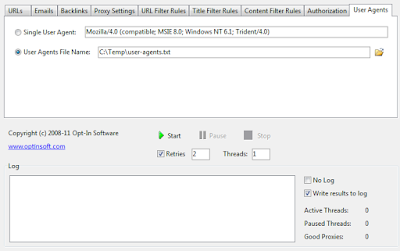
[+] Customizable User Agents.
Download Web Searcher Now
[+] New option: "Reload proxies every X minutes"
[+] New option: "Save failed URLs to file"
Download Web Searcher Now
[+] Save discarded URLs to file.
Download Web Searcher Now
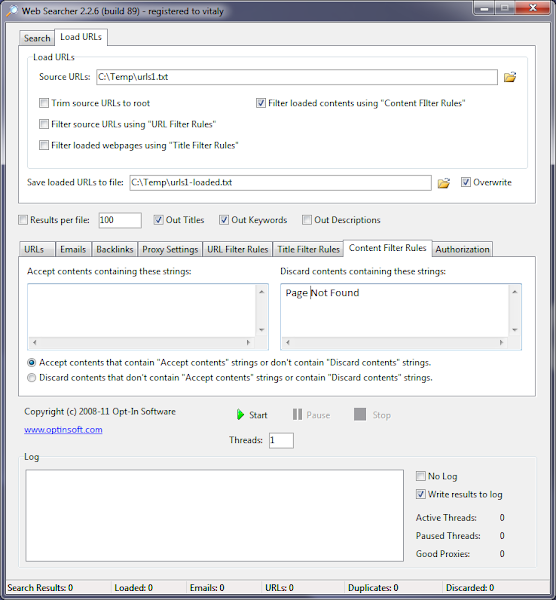
[+] Content Filter. This feature allows you to filter out web pages containing undesirable strings (words).
Download Web Searcher Now
[+] New feature: "Authorization". You can enter the list of Domains/URLs with user name/password info. Web Searcher will use this information to access protected web sites that use "Basic Authentication".
Download Web Searcher Now
[+] New option: Number of search results per page.
This trick is about running several instances of proxy checker from different locations (folders).
To run 2 instances of
Web Proxy Checker you need to create 2 folders for each instance (for ex. C:\WPC1 and C:\WPC2) and copy to these folders 4 files from C:\Program Files\Opt-In Software (I assume that proxy checker was installed to this folder):
wpcp.exe
WPCHost.exe
libeay32.dll
ssleay32.dll
Now you can run 2 instances of proxy checker (wpcp.exe) - first instance from folder C:\WPC1, second instance from folder C:\WPC2.
The problem here is that by default
Web Proxy Checker stores application settings to user's Application Data folder. That means that all instances of program will share their settings. To avoid this problem you can use command line argument
-appsettingsdir to specify where to save application settings.
To run first instance use this command:
C:\WPC1\wpcp.exe -appsettingsdir
To run second instance use this command:
C:\WPC2\wpcp.exe -appsettingsdir
The same trick works for other Opt-In Software applications:
Web Searcher, Web URL Shortener, etc.
Download Web Searcher Now
Web Searcher 2.1 released. New version allows to extract backlinks to your sites or web pages.
Download Web Searcher Now
New Web Searcher 2.0 released. It has several improvements according to the previous version.
Web Searcher 2.0 is able to load keywords from the file.
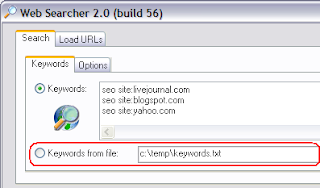
Options, specific to the search process, now located on the Options tab within Search.

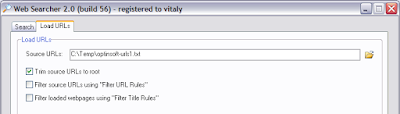
Web Searcher 2.0 is able to load urls from the file, then load web pages for each url and extract emails and links from these web pages.
Options, that describe how to extract and process links, located on the URLs tab.
Extracting urls from web pages is a new feature in Web Searcher 2.0, that was not implemented in old version.
The "Load extracted URLs" option allows to extract data not only from one found (or loaded) web page, but also from all linked web pages. To extract data from one web site only check the option "Extract URLs from the same domain only".
Emails tab contains the options that allow to extract emails from web pages.
Web Searcher can use HTTP(s) and SOCKS(4/5) proxies.

"Filter URL Rules" and "Filter Title Rules" allows to filter extracted links.
It is good idea to discard URLs with non-html-or-text content: images, executables, etc.





 n
n